Is Your School’s Firewall Blocking the Future of EdTech? Here’s How to Get Access Today
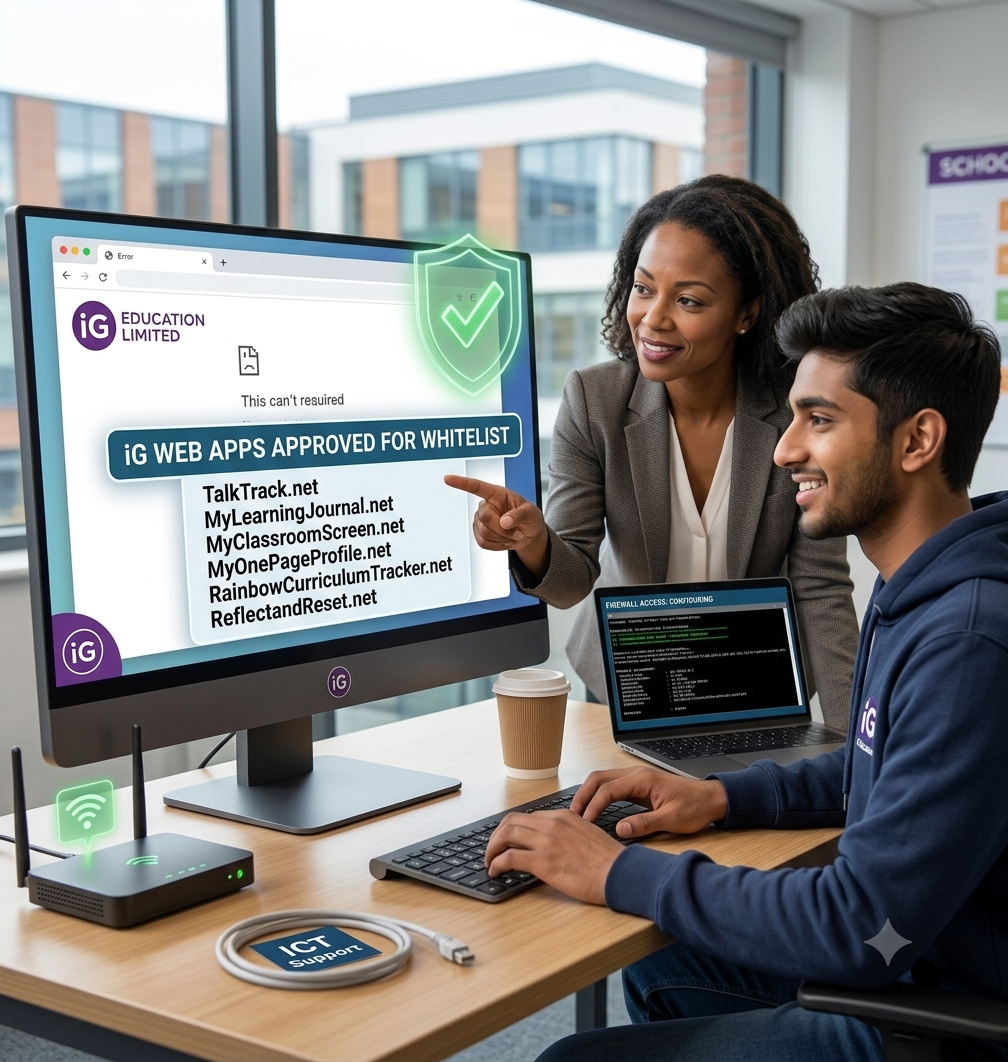
As a school leader, there is nothing more exciting than discovering a digital tool that can instantly cut your teachers' workload or boost student engagement. You sign up, get your login details, walk into the classroom to test it out, and then... the dreaded "Access Denied" or "Connection Timed Out" screen appears. If this has happened while trying to explore the iG Education Limited ecosystem, don't panic! Your school’s firewall isn’t rejecting our apps because of a safety issue; it is simply doing its job a little too well.
Many local authority and school ICT networks use strict automated security filters that block unfamiliar domains by default. Because our web applications are innovative, modern platforms, your network’s firewall simply needs a formal "introduction" to them.
Here is how you can instantly explore our apps today, and how to permanently unlock them for your school network.
The Quick Fix: How to Explore Our Apps Right Now
If you are a Headteacher trialing our platforms, or a teacher eager to see how TalkTrack or MyLearningJournal works before rolling it out, you don't have to wait for an IT ticket to be resolved.
To explore the platforms with zero restrictions right now, simply bypass the school network temporarily:
Switch to a Mobile Hotspot: Disconnect your laptop or tablet from the school's Wi-Fi network and tether it to your mobile phone’s hotspot for 10 minutes.
Explore from Home: Take a few moments on your home Wi-Fi network to log in, explore the dashboards, and see the tools in action without firewall interference.
Once you see how seamlessly our tools work on an open network, you’ll want them available on your school site permanently. Here is how to make that happen.
The Permanent Solution: How to Whitelist Our Apps
To make our apps accessible to all staff and pupils on your school devices, your school or local authority ICT Administrator needs to "whitelist" our domains. Whitelisting simply tells the school firewall that our websites are safe, trusted, and approved for educational use.
We have made this process incredibly straightforward. Simply copy and paste the email template below and send it directly to your school’s IT support technician or network manager.
📧 Copy & Paste Email Template for Your IT Department
Subject: Urgent: Request to Whitelist iG Education Web Applications for School Use
Hi [IT Technician Name / Helpdesk Team],
We are currently trialing and implementing a new suite of educator-led web applications from iG Education Limited to support our curriculum delivery, staff wellbeing, and assessment policies.
Currently, some of these domains are being restricted by our school/authority firewall filters. Could you please permanently whitelist the following core domains and their subdomains across our school network so that staff and pupils can access them?
Main Hub: https://igeducationlimited.com
Voice Feedback Tool: https://www.talktrack.net
Digital Portfolios: https://www.mylearningjournal.net
Classroom Hub: https://www.myclassroomscreen.net
Inclusion/ALN Profiles: https://www.myonepageprofile.net
Curriculum Tracking: https://www.rainbowcurriculumtracker.net
Staff Wellbeing Sanctuary: https://www.reflectandreset.net
These platforms are strictly cloud-based web applications used for educational purposes and do not require any local software installations.
Please let me know once this has been updated so we can test the connection.
Kind regards,
[Your Name]
[Your Job Title]
Need Technical Documentation? We’ve Got You Covered.
If your network administration team or local authority digital lead requires specific IP addresses, SSL documentation, or compliance details to approve the whitelist request, please have them reach out to us directly.
Our technical support team can be contacted at igeducationlimited@gmail.com. We are more than happy to liaise directly with your IT department to ensure a rapid, seamless, and secure configuration.
Don't let rigid firewall settings hold back classroom innovation. Drop a quick note to your IT lead today, and let's get your school connected!
#EdTechSupport #SchoolIT #ICTAdministration #SchoolFirewall #DigitalTransformation #TeacherWellbeing #iGEducationLimited #TalkTrack #MyLearningJournal #MyClassroomScreen #SchoolLeadership #EducationalTechnology